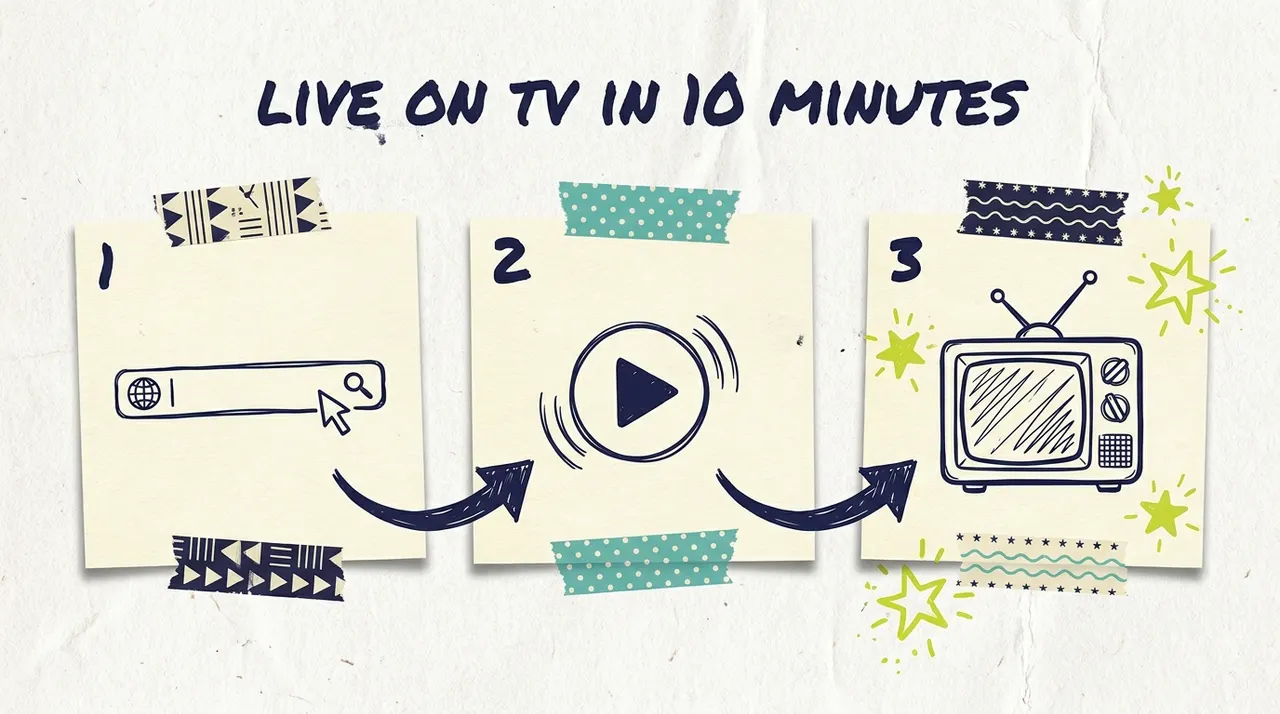
Getting started with Adwave takes less time than most people spend picking a Netflix show. You paste in your website URL, Adwave builds professional image and video ads in about 2 minutes, and you can have a live campaign running across Meta, Google, Reddit, TikTok, web, mobile, and television in under 10 minutes total. No production crew, no agency, no media buyer.
This guide is the front door to everything. We'll walk through the full journey from "I have a website" to "my ads are live," and point you to the deeper guides for each step. Think of it as the table of contents for using Adwave.
What Adwave does (in one paragraph)
Adwave is an AI advertising suite. Wavemaker makes polished video creatives from a prompt or URL. Adwave reads your website, proposes ideal customer personas, generates image and video ads, and runs them across Meta (Facebook, Instagram, and more), Google (YouTube and Search), Reddit, TikTok, web, mobile, and television from one daily budget. Ad creation is free to start with $60 starter credit. Campaigns charge your daily budget from $30/day from a prepaid wallet. You choose local or national targeting, and a real-time dashboard shows how your campaign performs.
That is the product. The rest of this guide is the walkthrough.
Step 1: Create your ad (free, about 2 minutes)
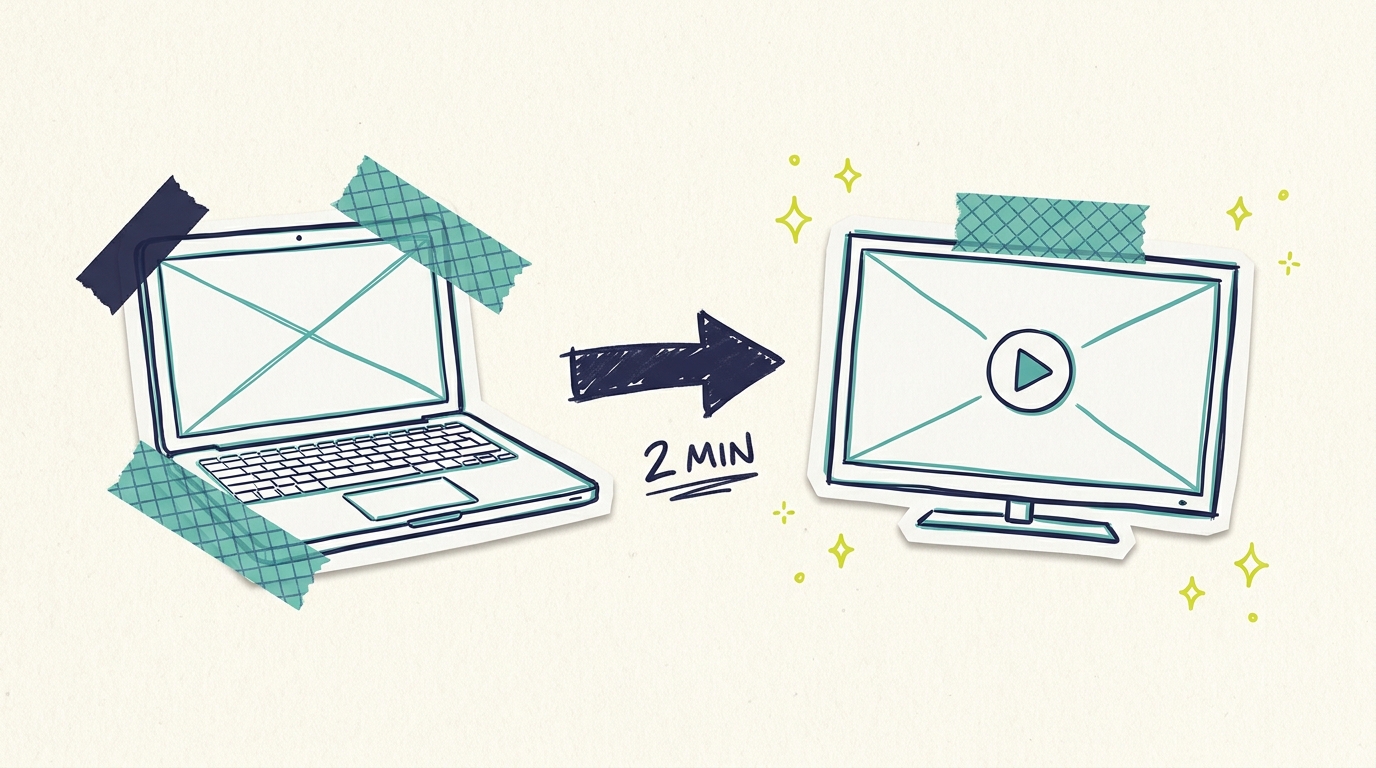
Everything starts with a URL. Paste in your website, and Adwave pulls your branding, images, and business details, then generates ads for your ideal customers with script, voiceover, music, and pacing already handled.
A few things worth knowing before you hit generate:
You don't pay anything at this stage. New accounts get $60 starter credit, and you can generate variations until you find ones you like.
The better your website, the better your ad. The AI works with what your site gives it. Our guide to preparing your website for your Adwave ad covers the quick fixes that make a noticeable difference.
You get formats for every channel. Image ads, social video, and TV-ready spots come from the same flow so one campaign can cover the full mix.
For the full click-by-click walkthrough, see how to create your first Adwave TV ad. Prefer building creative from a prompt first? Start in Wavemaker, then hand those creatives to Adwave.
Step 2: Review and refine your creative
The first generated ad is usually strong, but you're not stuck with it. You can regenerate, adjust, and refine before anything goes live. Two resources help here:
How to edit your Adwave AI ad covers what you can change and how.
Adwave AI creative tips shows how to generate better variations, including how small changes to your source material produce meaningfully different spots.
Because generation is covered by your creation credit and is fast, testing two or three creative directions costs you a few minutes, not a production budget.
Step 3: Set your targeting
Once your ads are ready, you tell Adwave who should see them. Targeting comes down to two big decisions:
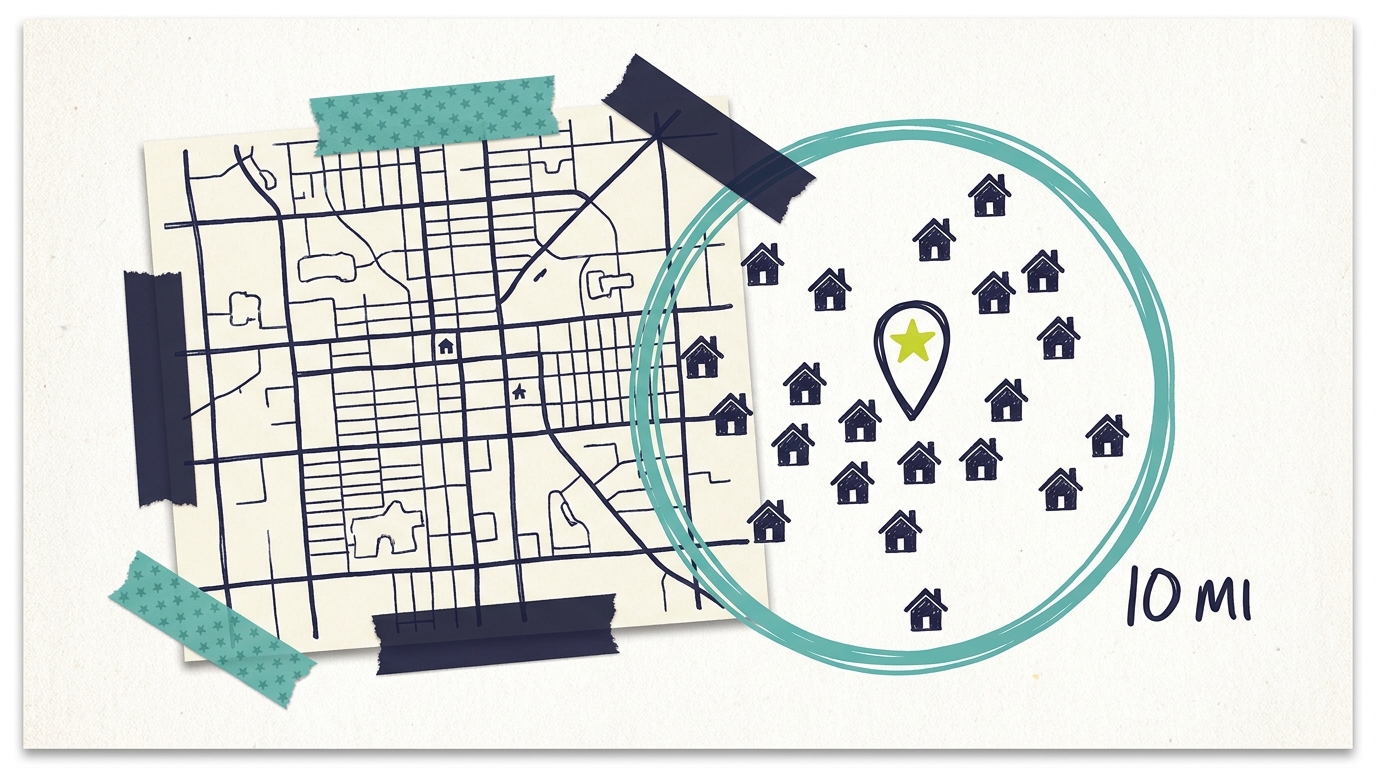
Geography. Local businesses should target their real service area, not their whole state. A tight radius around your shop usually beats a metro-wide buy for cost efficiency. National campaigns are available when your customers are everywhere.
Audience. Adwave proposes ideal customer personas from your website. Approve the ones that match who you want to reach.
Our Adwave targeting deep dive walks through each option with examples by business type.
Step 4: Set your budget and launch
You fund a prepaid wallet, then set a daily budget from $30/day. That daily number is what Adwave charges while your campaign is active. Pause anytime and charges stop. There are no subscriptions or contracts.
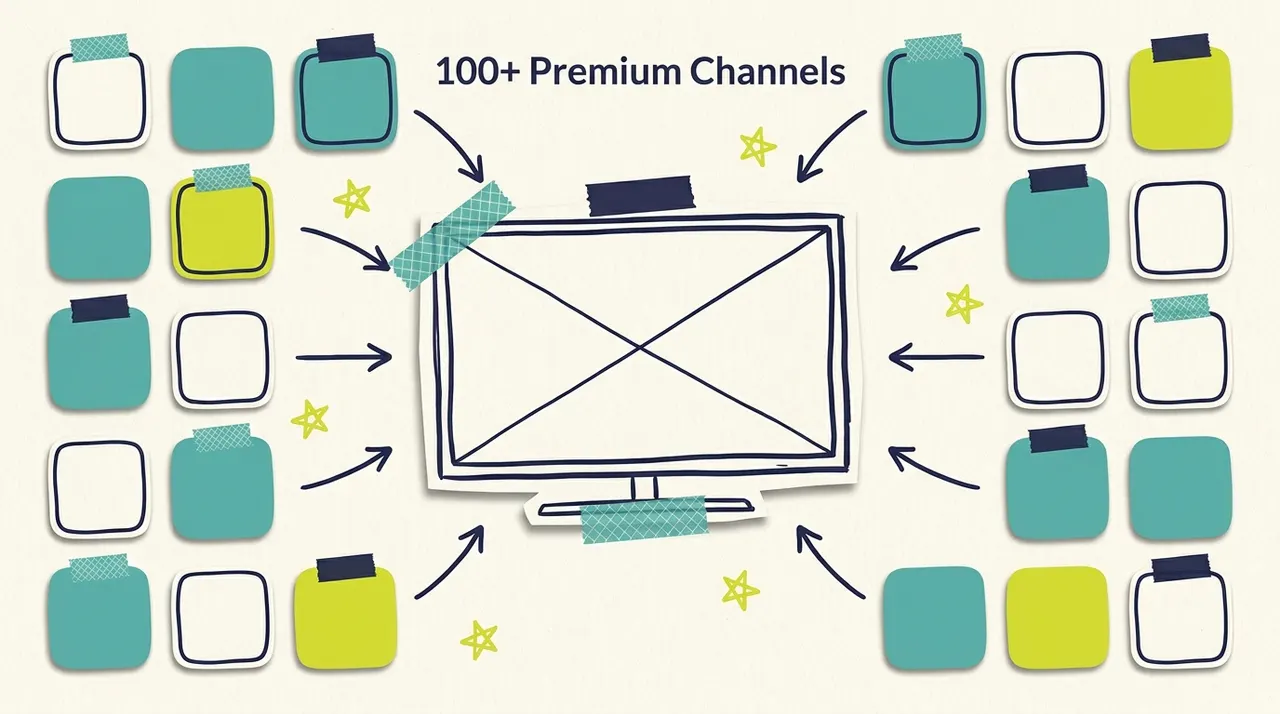
One campaign covers Meta, Google, Reddit, TikTok, web, mobile, and television (including 100+ premium streaming networks). You don't open five ad accounts. Our guide on where your Adwave ads run explains delivery, and how the wallet and daily budget work covers funding, credits, and pause behavior. You can also review plans on our pricing page.
Step 5: Watch your results
Once your campaign is live, the dashboard shows impressions, delivery, and performance across channels. Two guides cover this stage:
How to read your Adwave dashboard for your first week
Understanding your campaign dashboard and analytics for the deeper metrics
TV ads aren't clickable, but response still shows up. QR codes on screen let viewers scan and land on your site, and you'll typically see branded search and direct traffic rise while your campaign runs. Digital channels in the same campaign add clicks and conversions you can track directly.
Give your campaign 10-14 days before judging it. Then use how to optimize your Adwave campaign to tighten things up.
Where to go from here
Once your first campaign is running, a few paths open up depending on your business:
Want both products working together? How Wavemaker and Adwave work together shows the full suite flow.
Planning TV + Meta + Google? Multichannel advertising for small business covers why the mix works and how to start from $30/day.
Seasonal business? Using Adwave for seasonal campaigns shows how to time pushes around your demand windows.
More than one location? Adwave for multi-location businesses covers running campaigns per location.
Want the numbers story? Learn to calculate your TV advertising ROI so you can compare TV against your other channels.
Common questions answered
How long does it take to get a campaign live?
Under 10 minutes for most businesses. Ad generation takes about 2 minutes, and targeting plus budget setup takes a few more. The longest part is usually deciding which creative variation you like best.
Do I need any video experience or existing footage?
No. Adwave generates ads from your website, including visuals, script, voiceover, and music. If you have great photos or video you want featured, you can supply them, but nothing is required beyond a URL.
How much does it cost to start?
Ad creation is free to start with $60 starter credit. Campaigns charge your daily budget from $30/day from a prepaid wallet. There are no production fees, agency retainers, subscriptions, or contracts.
Can I change my campaign after it launches?
You can pause anytime (charges stop immediately). For targeting or creative changes on a live campaign, contact support and they'll help you make the update.
Where will my ad appear?
Across Meta, Google, Reddit, TikTok, web, mobile, and television, including 100+ premium streaming networks such as NBC, Hulu, and ESPN, shown to people in your targeting. One daily budget funds the whole mix.
How do I know if it's working?
Your dashboard tracks impressions, delivery, and performance across channels in real time. For response tracking, QR codes bridge the TV-to-web gap, and most advertisers watch branded search volume, direct traffic, clicks, and calls or bookings during the campaign window.
Your first ad is two minutes away
The hard parts of advertising in 2026 (production, media buying, juggling ad accounts) have been automated away. What is left is the part only you can do, which is knowing your business and your customers.
Paste your URL into Adwave, and see what your business looks like in finished ads. Creating the ad is free to start, and if you like what you see, your first campaign can be live tonight. Visit how it works to start.